How to Use TITA Documentation for ROS 2 Development
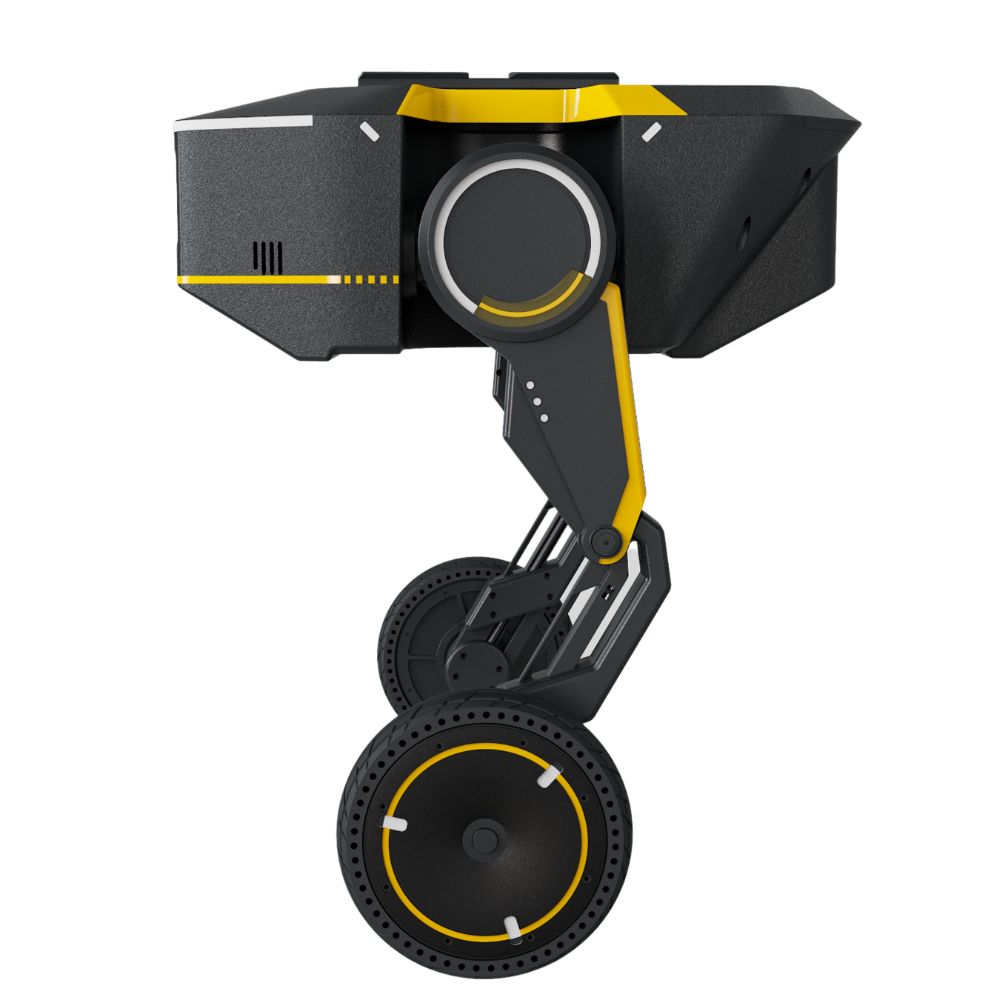
Direct Drive Technology designed the Tita robotic platform in 2024 to support ROS 2 Humble development on Ubuntu 22.04, featuring an onboard computer that processes low-level CAN bus motor commands at a 500 Hz frequency rate while managing 12 degrees of freedom.
Working with the hardware requires configuring the tita_description package, which contains URDF and Xacro files defining the exact kinematic limits, joint velocities, and link inertias for the quadruped chassis.
Engineers must parse the base link to foot frame transforms carefully because 98% of initial simulation-to-real kinematic errors stem from misaligned URDF orientation parameters or incorrect root joint definitions.
Transitioning from Gazebo Harmonic simulations to physical hardware demands strict adherence to the CAN bus interface specifications outlined in the official DDT TITA development resources, ensuring that packet loss remains below 0.05% during high-speed locomotion tests.
Custom ROS 2 nodes communicate with the onboard actuator boards by publishing velocity and position commands through specific message types that serialize motor temperature, current draw, and voltage drop data into 64-byte payloads.
| ROS 2 Package | Primary Function | Default Update Rate | Communication Protocol |
|---|---|---|---|
tita_description |
Kinematic models and collision meshes | Static | URDF/TF2 |
tita_bringup |
Launch files and parameter YAML loading | On startup | ROS 2 Launch |
tita_core |
Low-level hardware interface and CAN bridge | 500 Hz | SocketCAN |
tita_gazebo |
Physics simulation in Ignition Fortress | 1000 Hz | Gazebo Transport |
Tuning the robot's balance controllers involves modifying the PID gain matrices located inside the controllers.yaml file, where proportional values typically start at 150.0 and derivative gains are set near 1.5 to prevent oscillatory jitter on flat terrain.
Developers should review the Discover Tita Tutorials page to understand the step-by-step calibration sequence required for the onboard inertial measurement unit before launching autonomous navigation stacks.
Nav2 integration relies heavily on custom Quality of Service profiles, specifically setting durability to transient local and reliability to best effort to match the high-frequency sensor streams broadcasted by the onboard microcontroller network.
Network latency between the host workstation and the robot must not exceed 10 milliseconds over Wi-Fi, otherwise the middleware drops transformation frames and triggers automatic safety stops governed by the hardware watchdog timer.
Diagnosing startup failures involves inspecting the standard error logs generated by tita_core, where exit code 71 typically indicates a missing SocketCAN interface configuration or insufficient user permissions on the serial port devices.